01
Choose a product and set size
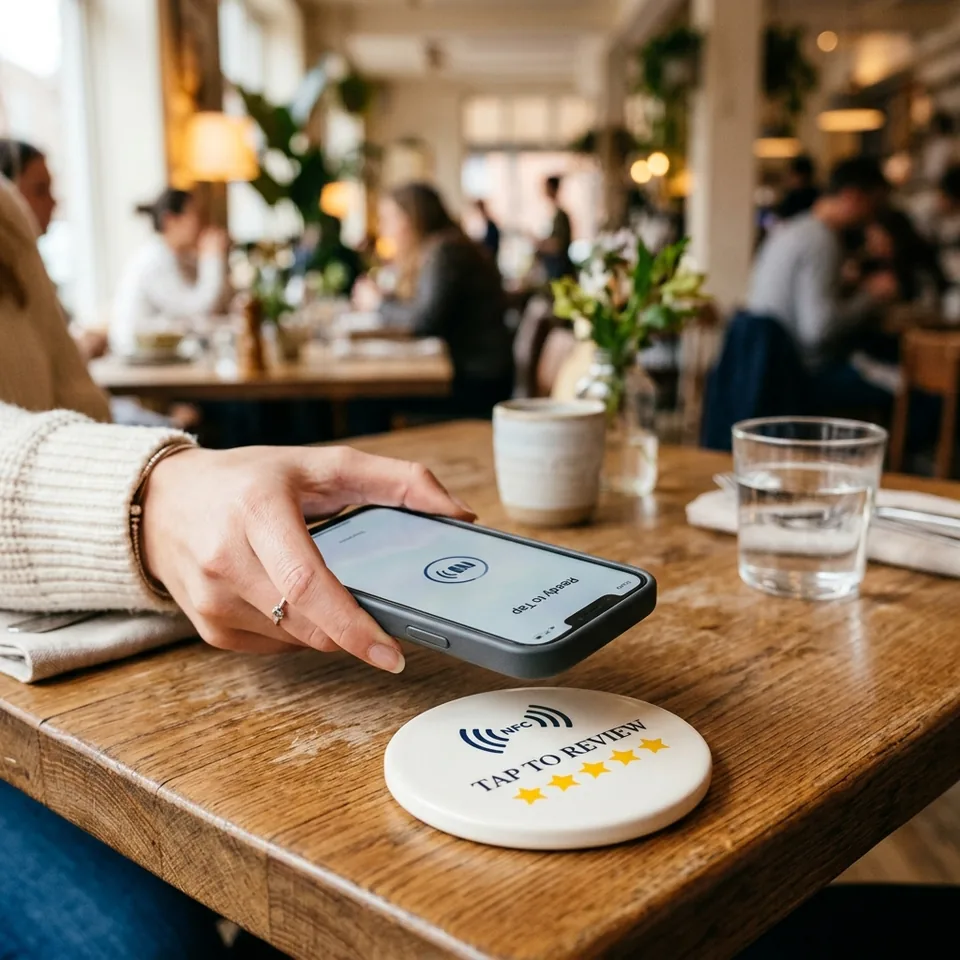
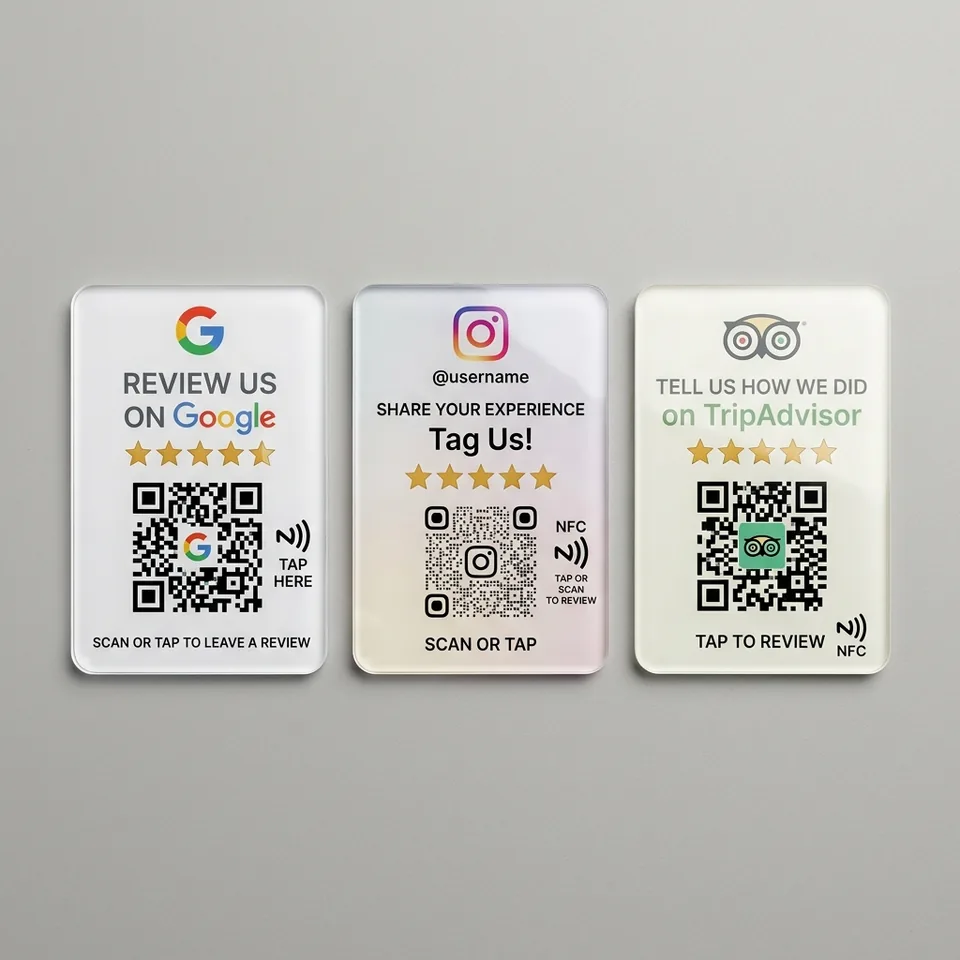
Select the NFC + QR or QR product that fits your customer moment, then choose the quantity for your locations.
Clear product pricing and set savings are shown before checkout.
Allow optional usage and purchase-event measurement with Google Analytics? You can change this choice at any time.
HOW REVIEW PILOT WORKS
Buy securely, follow delivery, connect your verified Google location and activate every NFC or QR touchpoint from one professional workspace.
Customer journey preview
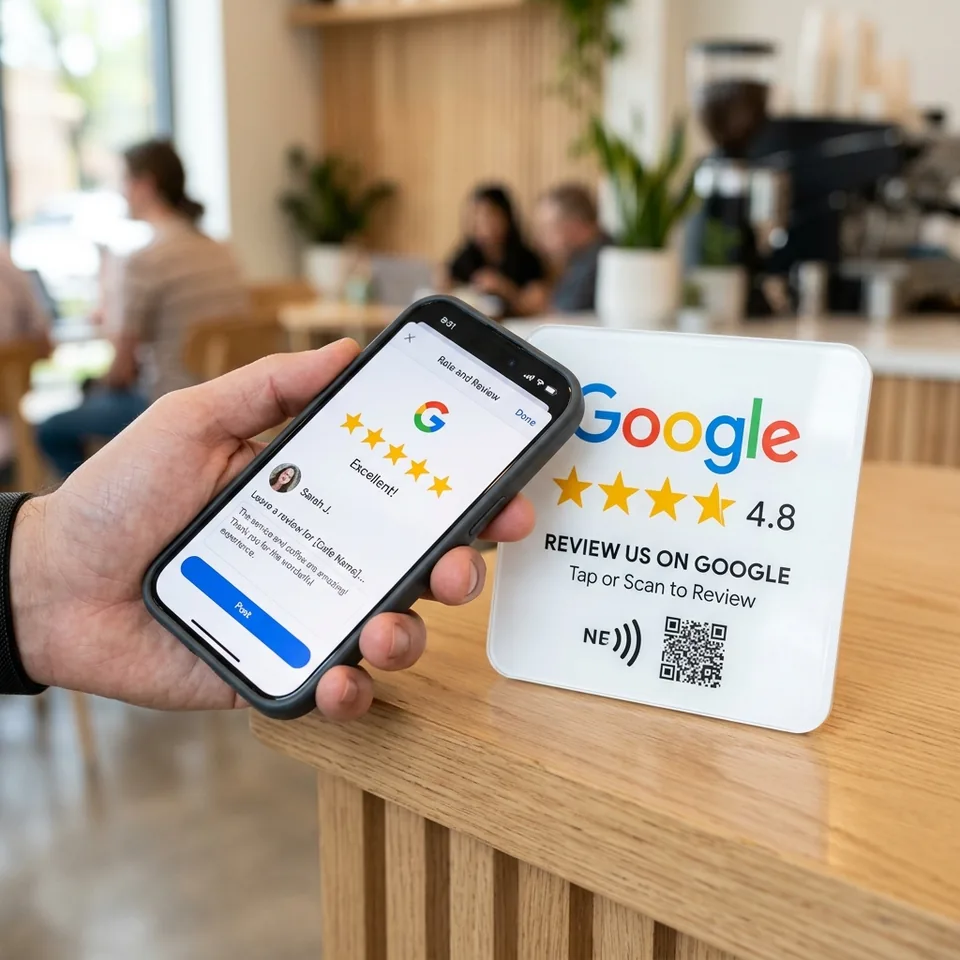
Tap or scan. The configured destination opens.
ONE CONNECTED JOURNEY
Review Pilot connects the physical product, secure payment, delivery, Google Business Profile and ongoing reputation work in one manageable process.
Select a step to see the details
Select the NFC + QR or QR product that fits your customer moment, then choose the quantity for your locations.
Clear product pricing and set savings are shown before checkout.
View productsTWO SIDES, ONE WORKFLOW
Customers see only the shortest possible path. Your team keeps the configuration, locations, products and performance together behind the scenes.
BUILT FOR CHANGE
Eligible Review Pilot products use a permanent managed link. When a destination or business need changes, your team can update the configuration in the customer panel instead of reprinting the QR code or rewriting the NFC tag.
GOOGLE BUSINESS AVAILABILITY
Transparent service statusGoogle review synchronisation depends on a verified Business Profile connection and the required Google API access. Product activation and all non-Google destinations remain available independently.
Connect the Google account that manages the business location.
Select the verified location in the Review Pilot customer panel.
Review functions activate when Google grants the required API access.
HOW IT WORKS FAQ
No. Customers tap the NFC area or scan the QR code with a compatible phone. No Review Pilot account is required for the customer action.
You can create the account first and connect the verified Google location before assigning or activating a Google review product.
The secure five-letter code is supplied with the physical product. Enter it in the Products area after signing in.
Eligible products use a managed Review Pilot link, so the configured destination can be changed without reprinting the QR code or rewriting NFC.
When the parcel is dispatched, the carrier and tracking number appear in your order information and can also be checked on the public tracking page.
Your account, orders, product activation and supported non-Google destinations remain usable. Google synchronisation becomes available once access is active.
Explore the products or start with a free Review Pilot account.
Explore products