NFC & QR
NFC for Google reviews: when an NFC card, stand or QR code makes sense
A practical comparison of NFC and QR touchpoints, including setup, placement, fallback access and the checks that keep a review journey reliable.
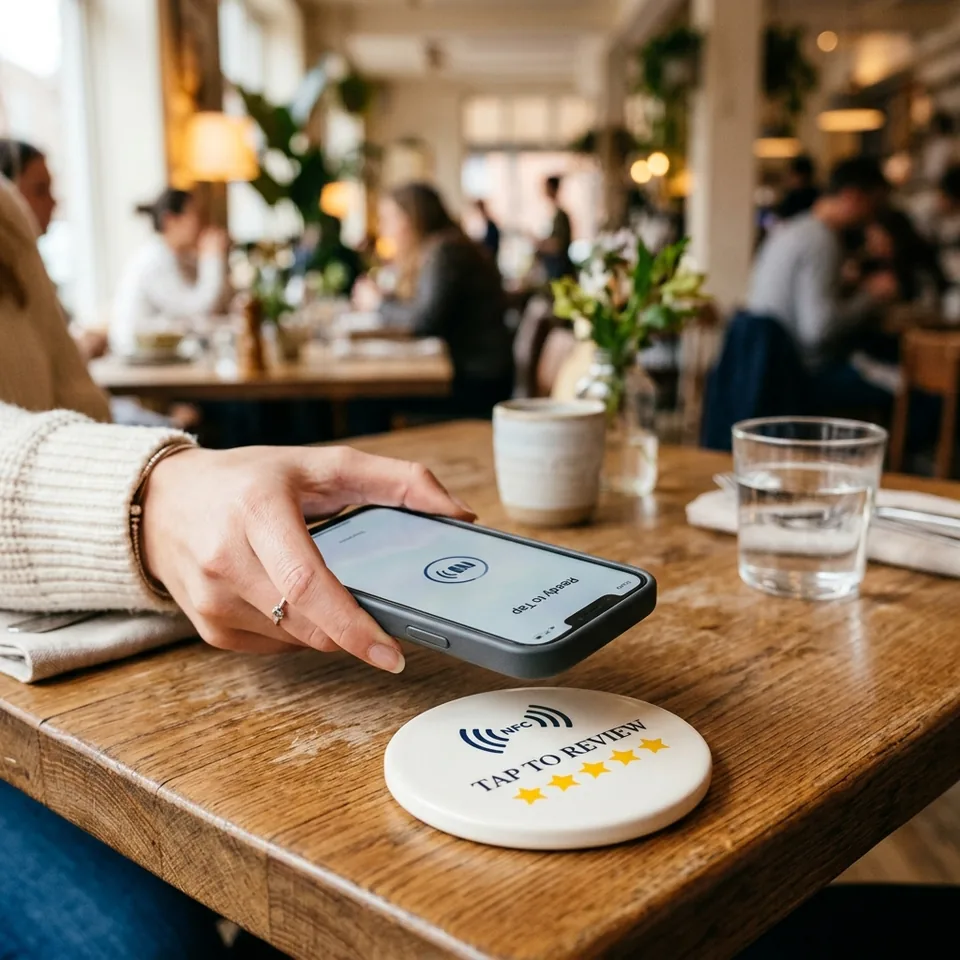
NFC makes a digital destination available with a phone tap. For a review journey, that can feel especially natural at a counter, reception or table. It is not a replacement for a thoughtful process: customers need a clear choice, the destination needs regular checks and a QR fallback keeps the path accessible.
01
Choose the touchpoint before choosing the technology
Start with the service moment. A restaurant table, hotel reception and retail checkout have different dwell times, surfaces and customer expectations. The physical object should suit the space before the business decides between a card, stand, plate or sticker.
NFC is useful when a customer can comfortably tap a modern phone. A QR code remains valuable because it is visible, works across a wider range of devices and lets the customer choose scanning instead.
- Map the moment the experience ends
- Match the object to the physical surface
- Use NFC and QR as complementary paths
02
Program one controlled destination
Every NFC product should open a documented destination owned by the business. Test it after activation with the intended phone behaviour, then retain a record of the link and the person responsible for it.
Avoid programming temporary, shortened or unverified destinations without a maintenance plan. If a profile, location or campaign changes, the new destination must be checked before the material is presented to customers.
- Use an owned, documented destination
- Test after activation
- Keep an update record for every location
03
Keep the invitation voluntary and neutral
The technology should make it easier to act on a customer’s own decision, never manufacture agreement. An NFC stand can say “Share your experience” without asking for a five-star rating or a positive response.
Offer customer support independently. A customer who needs help should be able to reach it, while the public review path remains available on the same terms for everyone.
- Use neutral wording
- Do not offer incentives for positive reviews
- Keep support separate from public feedback
04
Design for real-world device behaviour
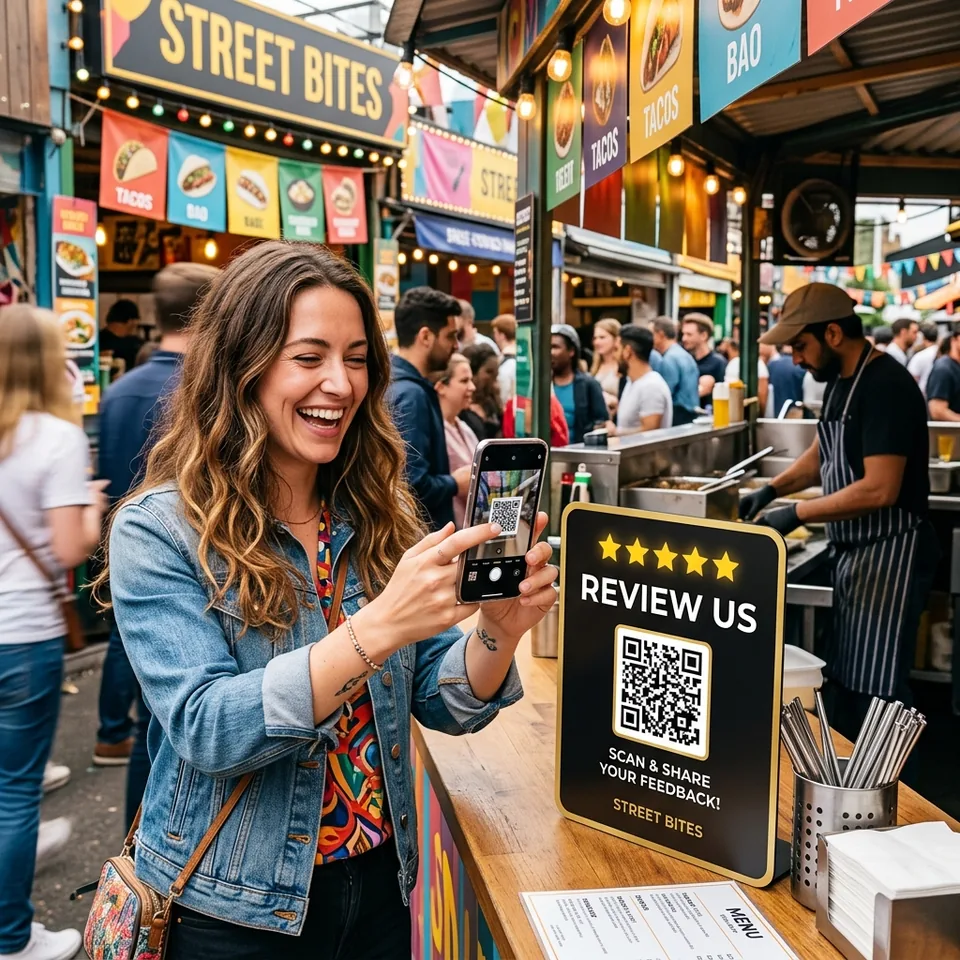
Phones may show different prompts, use a camera differently or have NFC disabled. Place a visible QR code alongside NFC, keep the landing destination mobile-friendly and make the purpose of the tap obvious without demanding a long explanation.
Before launching, test iPhone and Android devices where possible, inspect the physical placement from a customer’s viewpoint and re-test after any material replacement.
- Provide a QR fallback
- Test iPhone and Android
- Check the touchpoint in its real environment
05
Operate the journey after installation
An NFC product is part of an ongoing customer-experience workflow. Assign ownership for hardware condition, destination accuracy, staff guidance and review response practices. A quick scheduled check is usually enough to catch most failures.
Use the feedback to identify recurring operational themes, not simply to count ratings. This turns a small physical touchpoint into a sustainable source of customer learning.
- Inspect hardware and links regularly
- Train staff on one simple explanation
- Review recurring feedback themes
06
A repeatable NFC acceptance test
NFC and QR can open the same destination, but their failure modes are different. Verify the physical phone interaction separately from the destination and account configuration.
- 1.Activate the product and check its assigned business in the panel. Confirm the account owns the product before testing the tag.
- 2.Unlock a compatible phone, enable NFC where required and move the reader area close to the product. Reader position differs by model; hold it briefly rather than repeatedly tapping the screen.
- 3.Remove a thick or metal-containing case and test the product away from a metal surface. A tag that works in your hand but not in its final position needs a placement review.
- 4.Scan the QR code. If QR opens the right target while NFC does not respond, investigate the phone or physical tag. If both open an error or wrong business, investigate activation and destination assignment.
- 5.Record phone model, placement, expected destination and observed result. Send that information and the product identifier to support; never send account passwords or Google access tokens.
Sources
Putting it into practice
NFC can make a review journey feel effortless, while QR keeps it broadly accessible. The strongest implementation combines both with a correct destination, a neutral invitation and a team that maintains the experience after it is installed.